

If you run an online business and need a server, the first real decision is usually not the plan size. It is where the server lives. The region you pick shapes how fast your site feels to customers, which rules apply to your data, which tools you get in the dashboard, and how easy it is to grow later.
Venesh Cloud shows you real providers and real plans. Today the catalog is OVHcloud, with Hetzner, AWS and Alibaba Cloud planned. You see the real provider name, the real plan name and the real specs, and you see one clear price for each option. This guide walks through how to choose a region, and what to compare when more providers arrive.
How the choice works in the catalog
When you create a VM, the catalog asks you for four things in order: provider, region, operating system and plan. The price updates as you go, so you can compare options before you commit. The plans are the providers' own plans with their own names, not a renamed "Small / Medium / Large" tier, so what you read in a provider's documentation matches what you are buying.
Which regions are open for each provider can change as we enable more of them, so treat the catalog as the source of truth. The questions below help you decide which of the available options fits you.
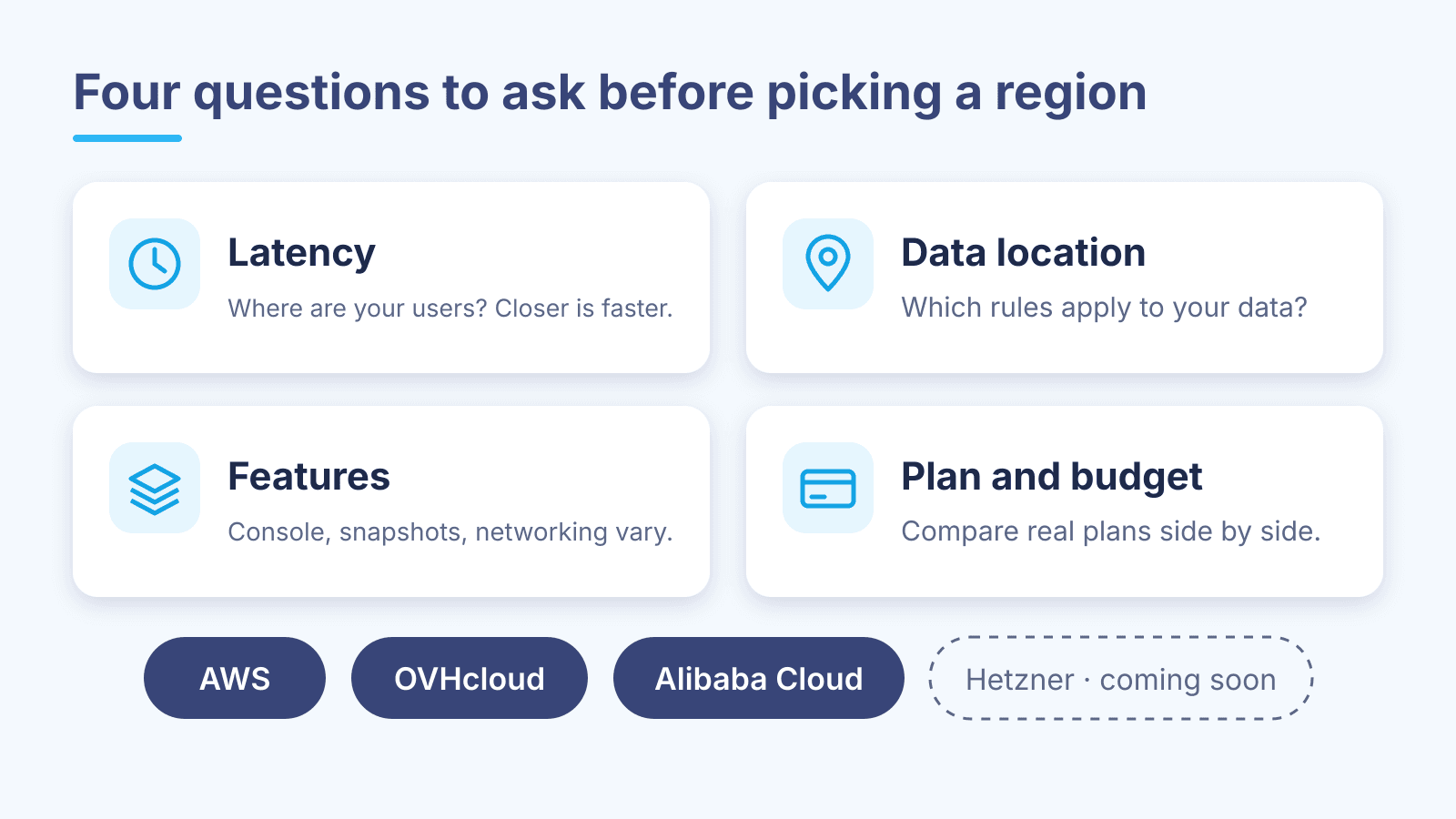
1. Latency: where are your users?
Every request to your server travels a physical distance. The further away the data centre, the longer each round trip takes, and for websites, APIs and anything interactive those milliseconds add up.
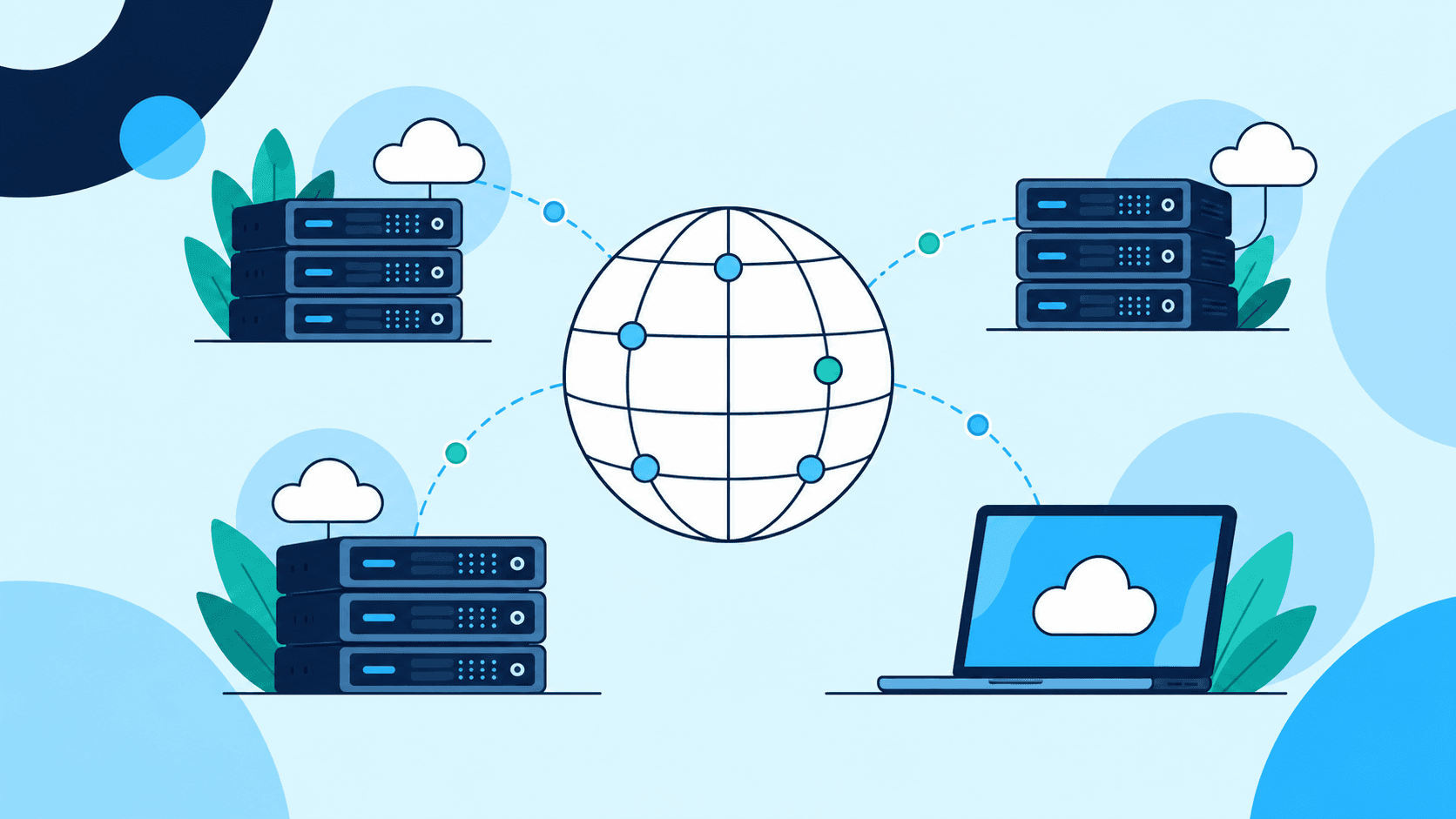
For your audience, regions that are geographically closer to them usually respond faster than regions on the other side of the world. "Usually" matters here: network routes do not always follow geography, and they differ between internet providers.
So measure instead of guessing:
- Run
pingandmtr(ortracerton Windows) from a few different connections your customers actually use, such as home broadband and mobile data. - Test at different times of day, because evening congestion can change the picture.
- If you already have a VM, measure from it back to a service your users hit.
Latency matters much less for workloads nobody waits on, such as nightly backups, batch processing or build servers. For those, other factors can win.
2. Data location: which rules apply?
A region is also a jurisdiction. Where your data is physically stored can matter for contracts, for your customers' expectations and for regulations. If you serve customers in the European Union, for example, keeping their personal data in an EU region makes GDPR questions simpler.
Two practical habits help here:
- Decide deliberately where customer data lives, and write it down. It is much easier than untangling it later.
- Keep backups in a different region from your main server, so one incident in one data centre cannot take out both copies.
3. Features: providers are not identical
On all three providers you get a VM that you can start, stop, reboot, resize, reinstall or delete from the Venesh Cloud dashboard. Beyond the basics, some capabilities depend on the provider:
- Console access. When SSH is not working, a console lets you reach the machine anyway. On OVHcloud the console shows the VM's screen right in the dashboard.
- Snapshots. Snapshot support is being rolled out provider by provider, and what you can do with a snapshot, such as copying it, differs between providers.
- Networking. Firewall rules, static IPs and private networks are managed from the same dashboard, but the exact options follow what each provider supports.
If one of these matters to your project, check it on the provider you are considering before you launch.
4. Plan and budget: compare real plans side by side
Because the plans are real provider plans, you can compare them on the things that actually matter: vCPU count, RAM, disk type and size, and included bandwidth. A few tips:
- Look at bandwidth, not just CPU and RAM. For a busy website or file downloads, outbound traffic can matter as much as compute.
- Start slightly smaller than you think you need. You can resize later from the VM's page, choosing from the plans available on the same provider and region.
- Compare the same kind of machine. A plan with a local NVMe disk and one with network storage behave differently under load, even with the same numbers on paper.
We do not publish prices in this article because the price is calculated at the moment you buy. The catalog always shows the current price for each option.
A quick look at each provider
OVHcloud is the provider available today. It is a European provider with most of its data centres in Europe and additional locations in North America and Asia-Pacific. It is a solid, simple choice for European hosting and straightforward VPS workloads.
Hetzner, AWS and Alibaba Cloud are planned. They are not available to order yet; we will announce each one when it is.
A simple recipe to start with
- Pick the provider and region that measures fastest from your users' connections.
- Choose a modest plan and your usual operating system.
- Keep backups in a second region, ideally with a different provider.
- Watch real usage for a few weeks, then resize or move if you need to.
Moving later is not a disaster. To change region or provider, you create a new VM in the new location and migrate your data to it. Resizing, by contrast, happens in place within the same provider and region.
If you are unsure which option fits your project, open a ticket under the Sales category from your dashboard and tell us what you are building. We are happy to help you think it through.

Written by Venesh Cloud Team